HELP FORM
Help Dialog show, when you choose menu [Help/VX+ Help] or press key F1.
It is 4 topic: Contens, Function, User Guide and Examples.
You can find help from Help form:
A. Contents:
- Overview VX.
- VX+ run on multi-device platform.
- Create a database.
- Command statment.
- Structure data table.
- Convention language and rules.
- New Html code VX+.
- Editor Program Compiler.
- To see content, you click on item. You can use [Back] or [Forward] button to move beteewn items.
You also can open file any webpage when click [...] button.
- And more you can see below figura...:
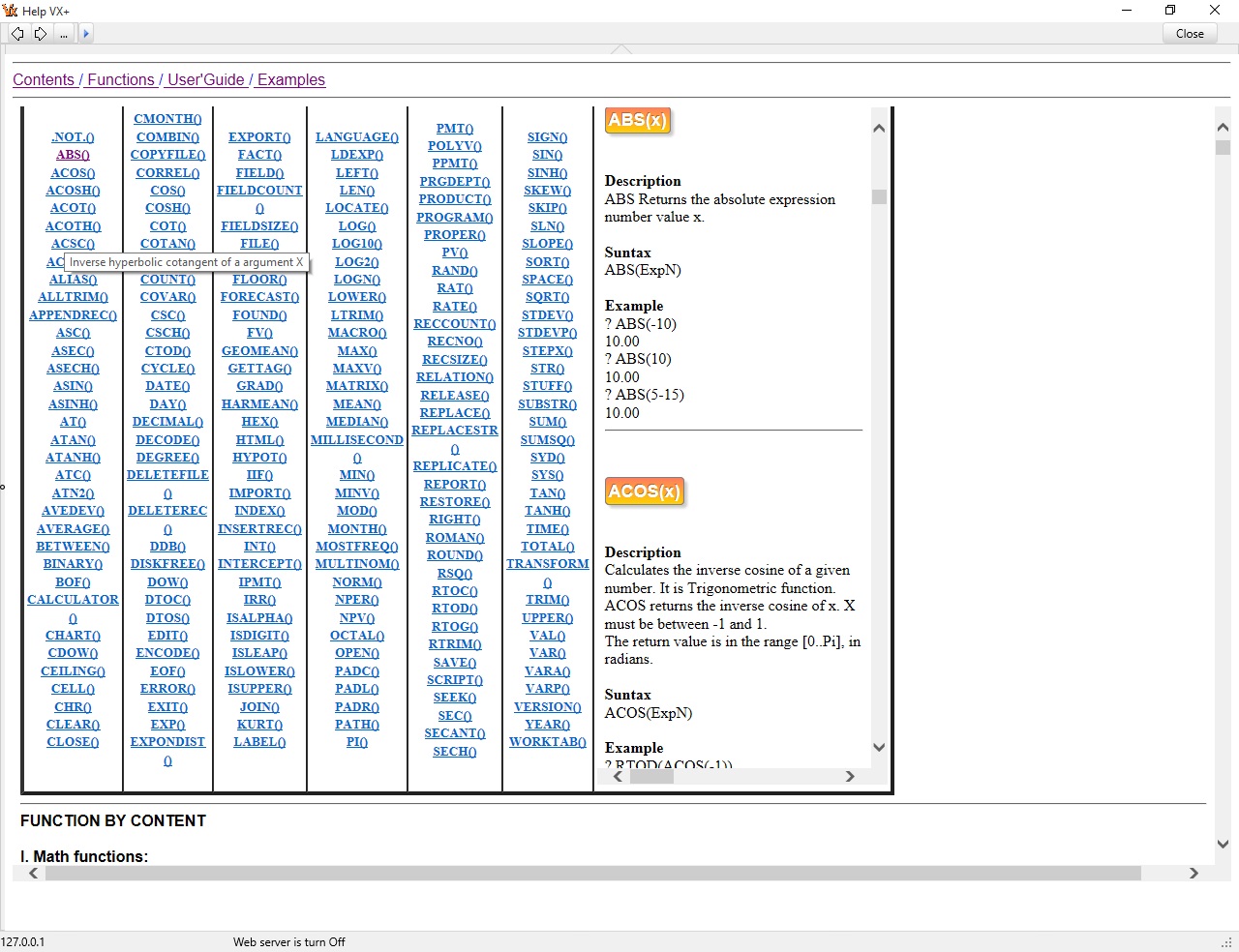
B. Function (sorted by name):
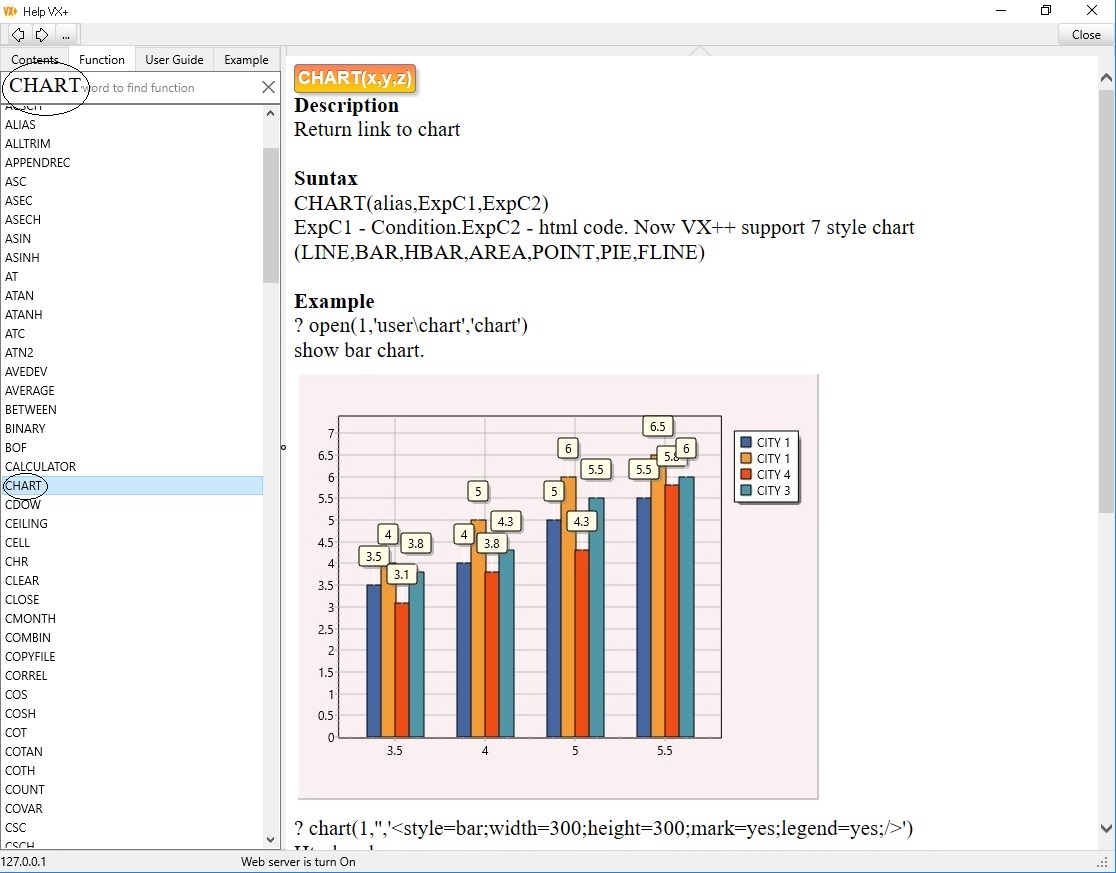
VX+ support more functions, you can find name function by type in input box or click on items (name function).
every function has 3 topics: description, suntax, example.
You can see below figura:
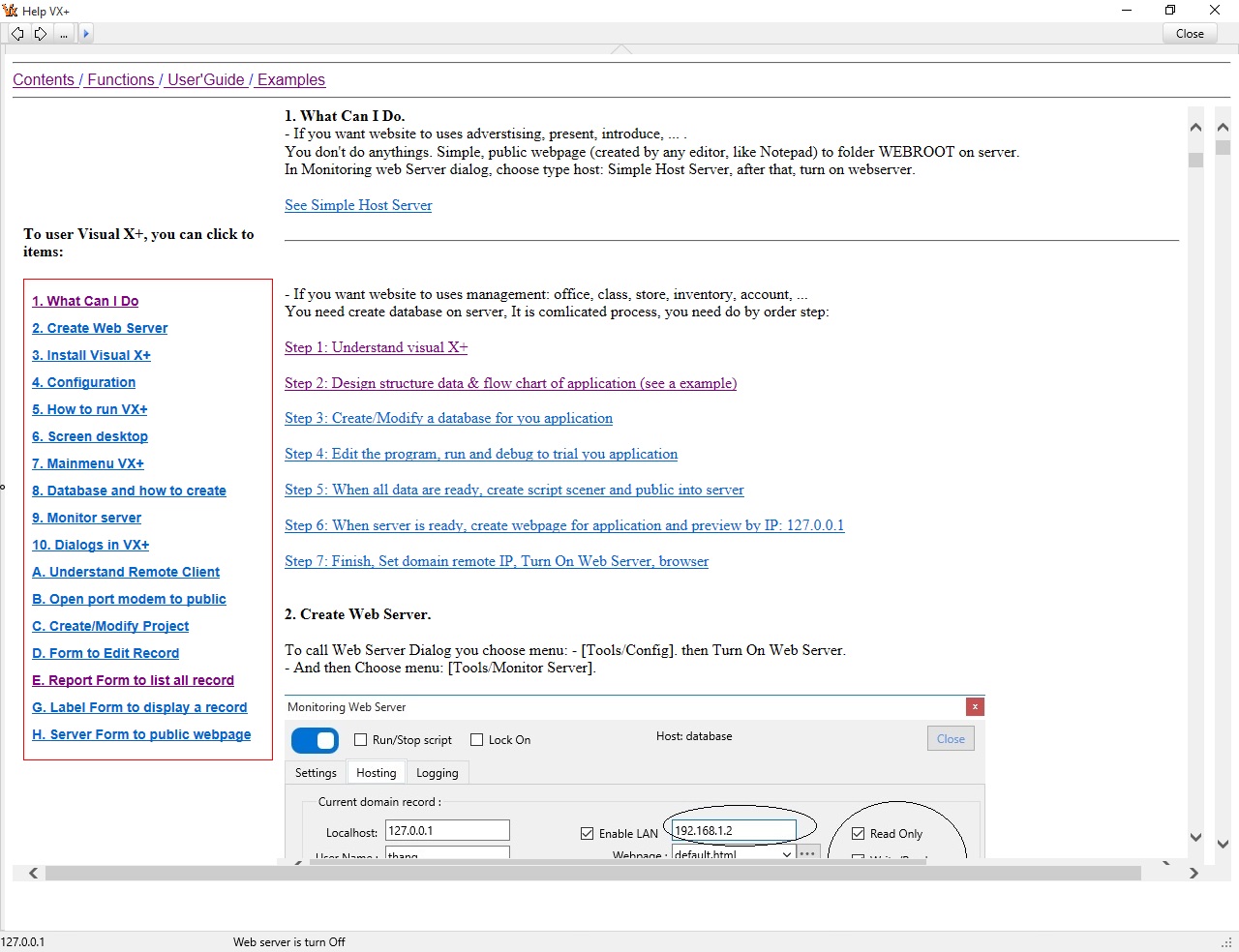
C. User Guide:
This item usage guide VX+. In this you can understand all overview Visual X+. What is this, What can you do, ...
You can see below figura:
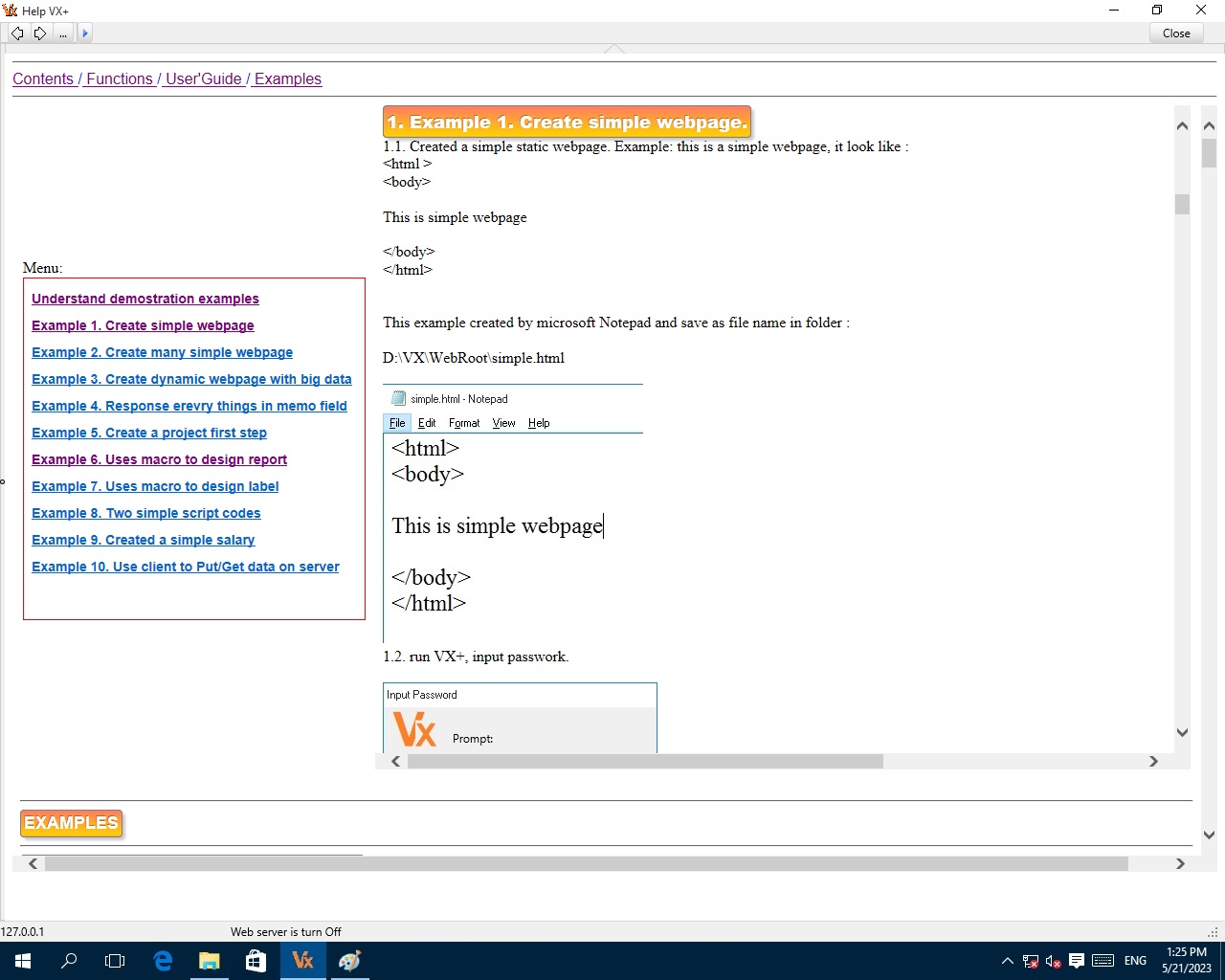
D. Example:
This documentation volume contains code examples for commonly used members of the Visual X+.
You can see example help below figura:
See more examples
To provide comments, request improvements, make suggestions or even submit code examples that you would like to post on contact : ***